
Shopify Catalog Mapping for AI Discovery: A Practical Guide
Shopify Catalog Mapping can choose which product fields and grouping logic feed agentic storefronts. This guide shows when to change the defaults, what to inspect first, and how to avoid creating conflicting product evidence.
AI-assisted research and drafting; reviewed and approved by Bismion.
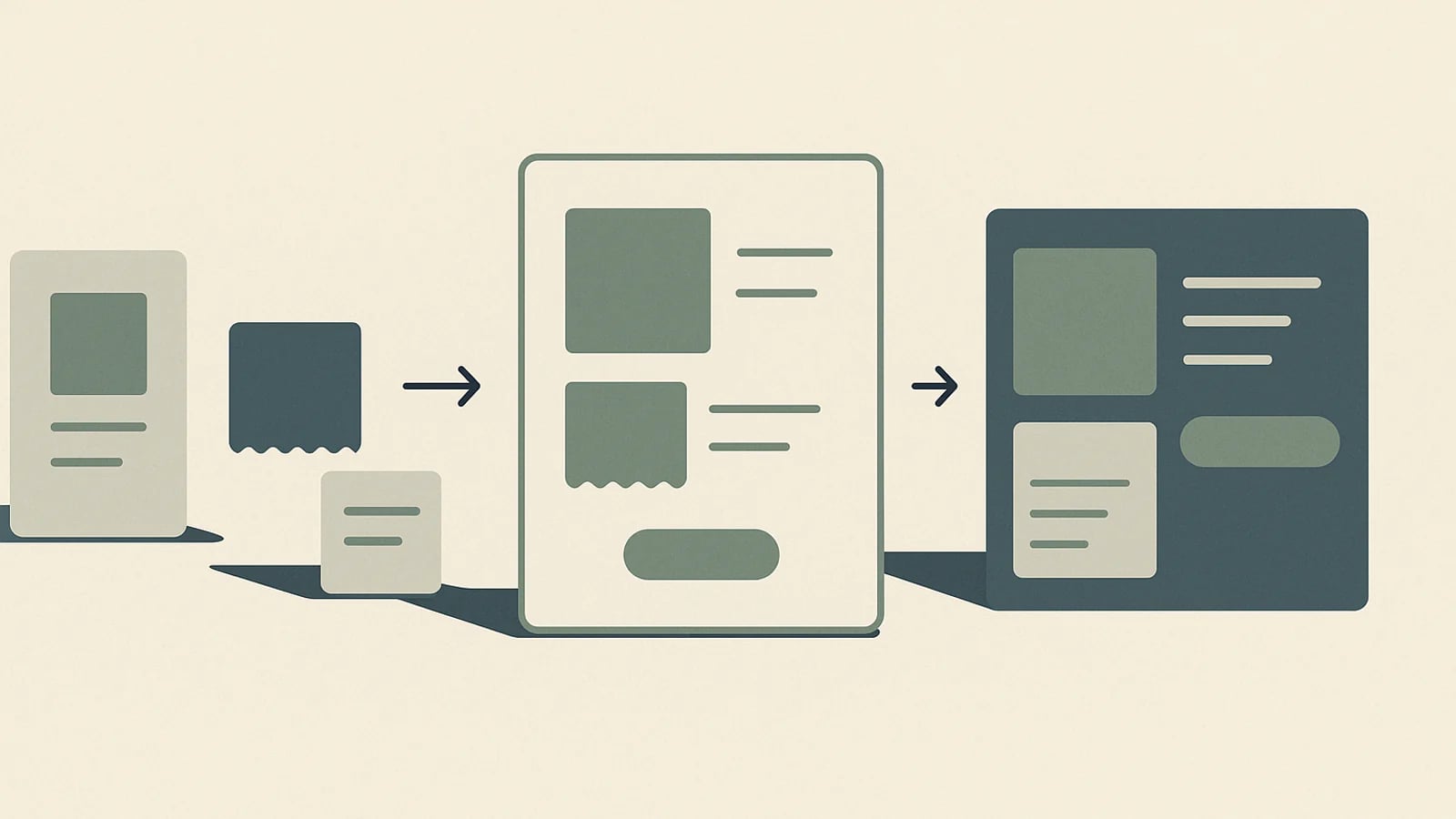
Shopify Catalog Mapping for AI discovery lets a merchant choose which Shopify data sources supply a product's title, description, category, and grouping to Shopify Catalog. It is most useful when the default product fields are not the store's real source of truth—for example, when important information lives in metafields, metaobjects, or custom grouping logic.
It is not a universal AI-ranking switch. Mapping influences how eligible products are represented through Shopify Catalog, while public product pages, structured data, feeds, policies, and crawler access remain separate discovery and verification layers. The practical goal is accurate, consistent product evidence—not more fields for their own sake.
What does Shopify Catalog Mapping actually change?
Shopify Catalog normally structures product titles, descriptions, options, images, prices, availability, and other attributes for agentic storefronts. Catalog Mapping adds a source-selection layer: a merchant can point the product title, description, or category at a different Shopify attribute, metafield, or metaobject reference. It can also change how related variants are grouped.
That distinction matters for customized catalogs. A theme might display a carefully written benefit summary from a metafield while the standard product description contains supplier copy. Without reviewing the mapping, the catalog representation and the storefront story may describe the same item differently.
When should a store change the default mapping?
A custom mapping is worth reviewing when the field Shopify Catalog receives is incomplete, misleading, or disconnected from the way the merchant actually manages the catalog. Common triggers include:
- Product titles use prefixes or separators for internal merchandising, while a cleaner customer-facing title lives elsewhere.
- The standard description is generic, but a maintained metafield contains the accurate materials, fit, compatibility, or use-case details shoppers compare.
- A custom category or metaobject is the authoritative classification, while the default category is missing or too broad.
- Variants or related products need grouping rules that differ from the store's default Combined Listings configuration.
- A preview in the Agentic sales channel reveals that the selected source omits or distorts a decision-critical fact.
| Store situation | Safer first move | Reason |
|---|---|---|
| Standard product fields are complete and maintained | Keep the default mapping | Another configuration layer adds work without resolving an evidence gap |
| A maintained metafield contains the authoritative value | Preview that metafield as the mapped source | The catalog can use the field the merchant already governs |
| The same fact conflicts across page, feed, and schema | Fix the underlying source and distribution path first | A catalog-only mapping can hide rather than remove the inconsistency |
| Variant relationships are represented incorrectly | Review grouping separately from title and description mapping | Grouping changes which offers appear related, not just how one field reads |
Which fields deserve the first review?
Preview representative products
Use the Catalog Mapping preview with a simple product, a variant-heavy product, and an item that relies on custom fields. One easy example can conceal edge cases across the catalog.
Check the product title
Confirm that the selected source identifies the item clearly without internal codes, unnecessary repetition, or missing attributes that distinguish it from neighboring products.
Check the description
Prefer a maintained source that states verifiable materials, specifications, compatibility, intended use, and limitations. Do not map promotional copy that cannot be supported elsewhere.
Check the category
Use the most accurate available classification. Categories can connect products to standardized attributes, so a vague category may leave useful comparison fields unused.
Review variant grouping
Verify that colors, sizes, materials, or related listings are grouped in a way that matches the offers a shopper can actually select and purchase.
How do you avoid creating a second source of truth?
A mapping should point to governed product data, not become a workaround for stale information. Name the owner of each source field and decide where a change should be made first. If the catalog title comes from a metafield, updating only the standard title may no longer change the representation sent through that mapping.
- Compare the mapped title, description, category, price, availability, and variant labels with the visible product page.
- Check that Product structured data and any merchant feed describe the same current offer. Google recommends using page structured data and Merchant Center feeds together because the systems can use both to understand and verify product information.
- Keep claims connected to visible proof, policies, specifications, or disclosures rather than storing unsupported promises in a catalog-only field.
- Document why a custom source was selected so a future theme, app, or catalog migration does not silently reverse the decision.
What does Catalog Mapping not replace?
Shopify Catalog is a primary product-data path for Shopify's agentic storefronts, but it is not the only way a product can be discovered. Shopify documents open-web crawling, indexing, and merchant-owned feeds as separate paths. Blocking a crawler does not stop data from flowing through an activated Shopify Catalog channel, and disabling one catalog channel does not necessarily remove a publicly indexable product from the web.
Catalog Mapping also does not replace the storefront page, foundational SEO, Product structured data, accessible policies, or Shopify's agent discovery files. Shopify serves agents.md, llms.txt, and llms-full.txt separately from its authoritative product catalog. Those files provide store-level discovery context; they are not substitutes for complete product records.
What is the leanest safe review sequence?
Identify one visible mismatch
Start with a product fact that is missing, unclear, or sourced incorrectly in the Catalog preview. Avoid redesigning every field at once.
Confirm the authoritative source
Choose the standard attribute, metafield, or metaobject that is actively maintained and can support the claim across the storefront.
Preview multiple product shapes
Check ordinary products, variants, and custom-data cases before saving the configuration.
Save one targeted mapping
Record what changed and why. Shopify notes that mapping updates can be processed with a delay, so an immediate result should not be assumed.
Verify every public evidence layer
After processing, compare Shopify Catalog previews with the rendered page, structured data, feeds, policies, and variant availability. A mapping is successful when the evidence agrees—not merely when the setting saves.
The useful question is not whether a store has turned on every AI-commerce feature. It is whether an agent receives a current, understandable product record that agrees with what the merchant and shopper can verify. Catalog Mapping is valuable when it closes a known source gap; otherwise, the default configuration may be the leaner choice.
Primary sources
See what AI can verify about your store
Start with a free, read-only scan. No store login and no automatic changes.